Record or import
Capture audio locally or import files from calls, interviews and workshops.
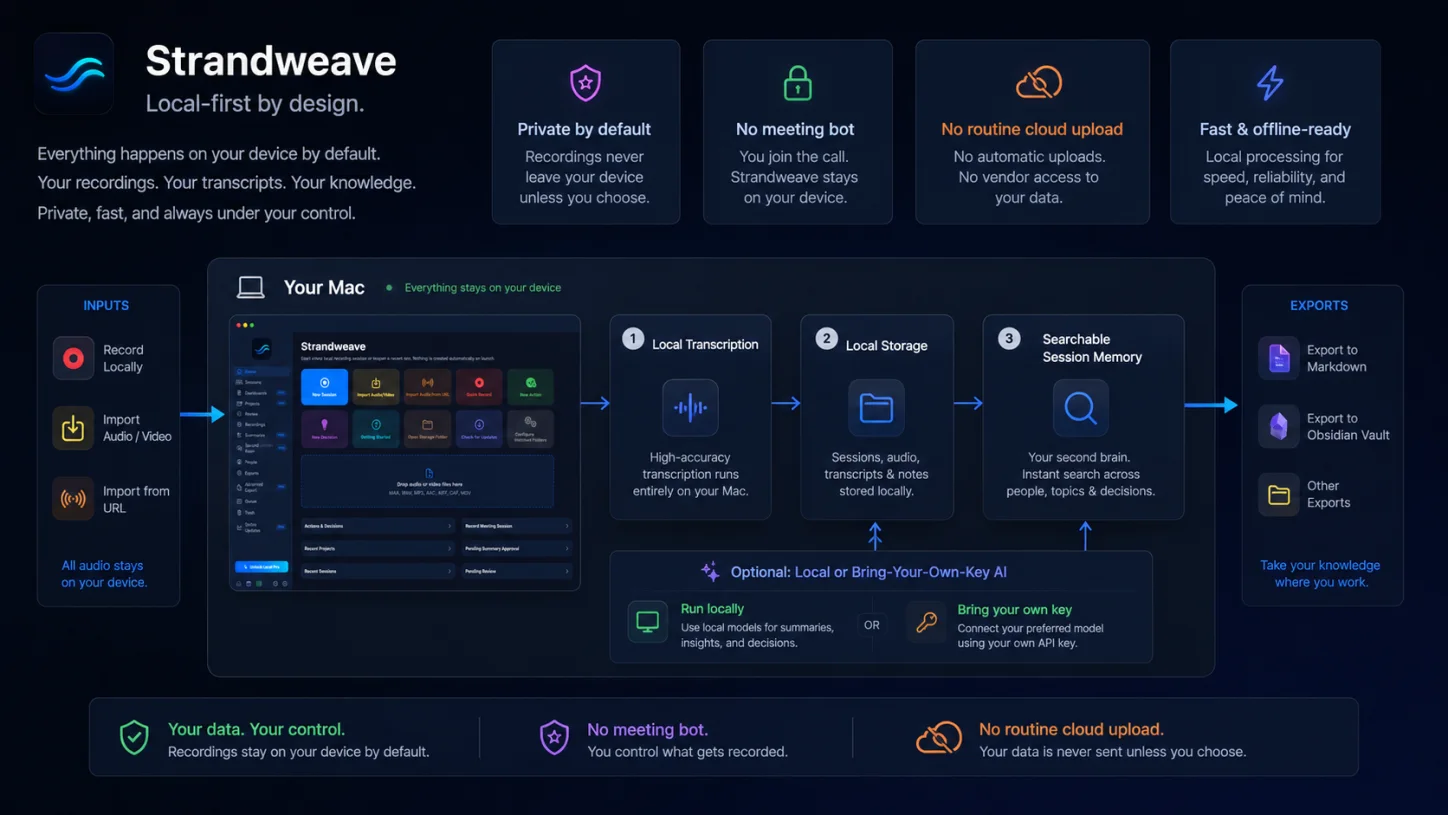
Strandweave is a private, local-first meeting memory app for Mac. Record or import audio, transcribe offline, review and approve the output, then export structured context to Obsidian, Markdown, documents or your AI tools without a cloud meeting bot.
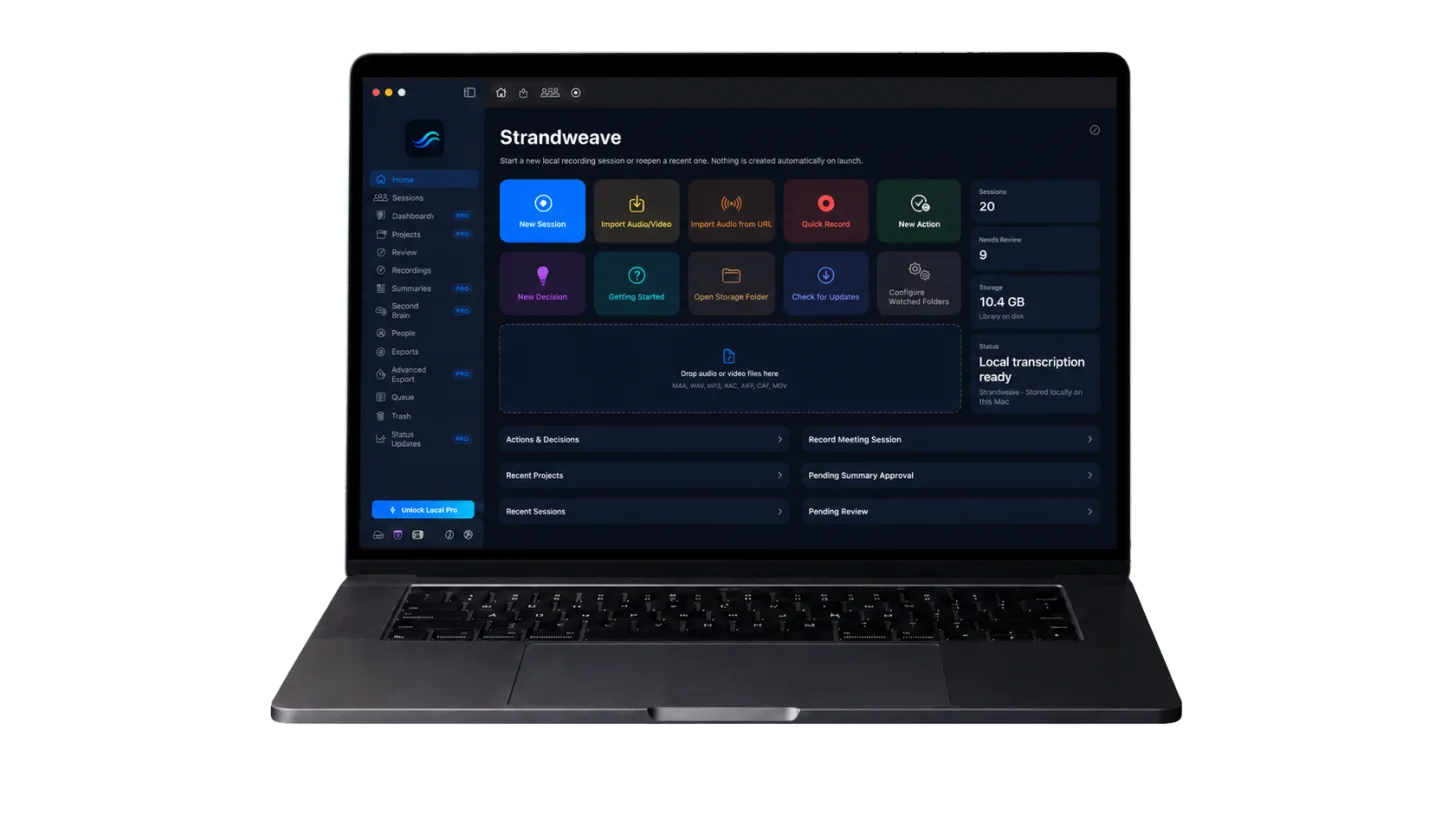
Recording, transcription and storage happen on-device by default; exports move only when you choose.
Record from your Mac’s microphone or a selected audio input without a bot joining the participant list.
Transcribe recordings locally with the bundled Whisper runtime, no cloud transcription service required.
Create Markdown, Obsidian notes, AI Context Packs, documents and project memory from approved records.
Capture the source, review it carefully, connect it to the work it belongs to, then reuse approved context wherever it helps.
Capture audio locally or import files from calls, interviews and workshops.
Run local transcription privately, with no cloud meeting bot in the room.
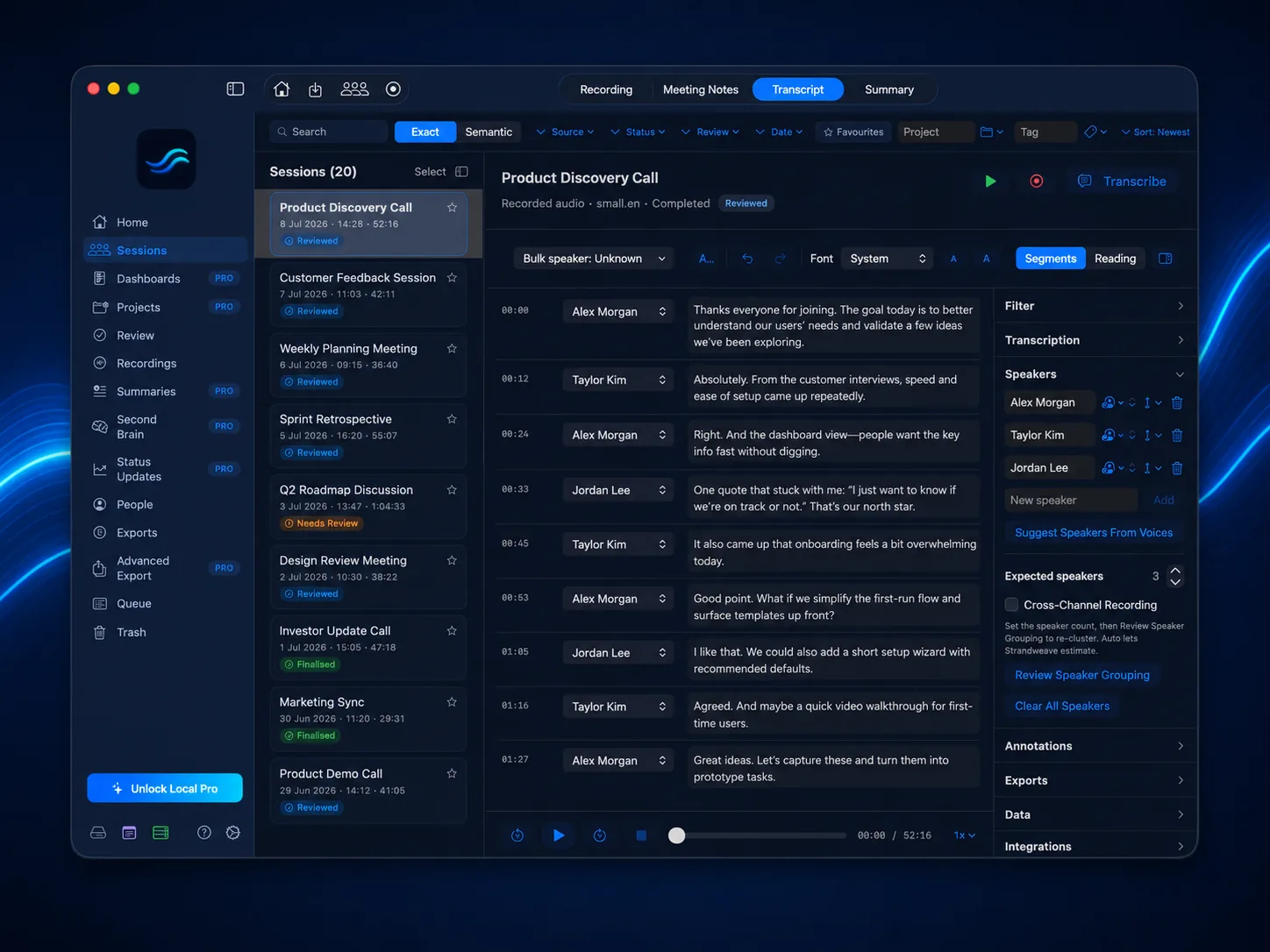
Correct speakers, edit transcripts and approve summaries before export.
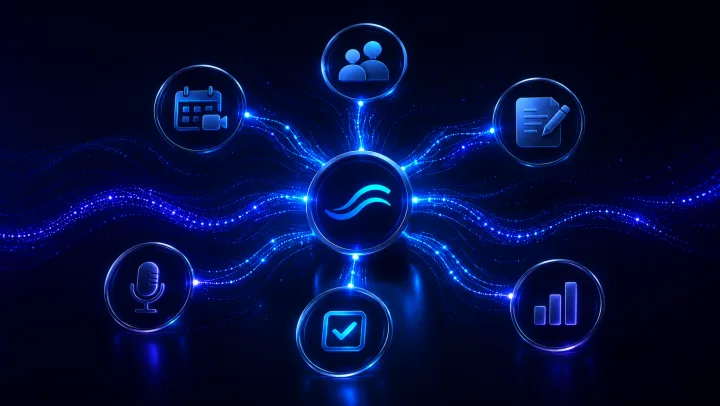
Carry forward actions, decisions, context packs and related meetings.
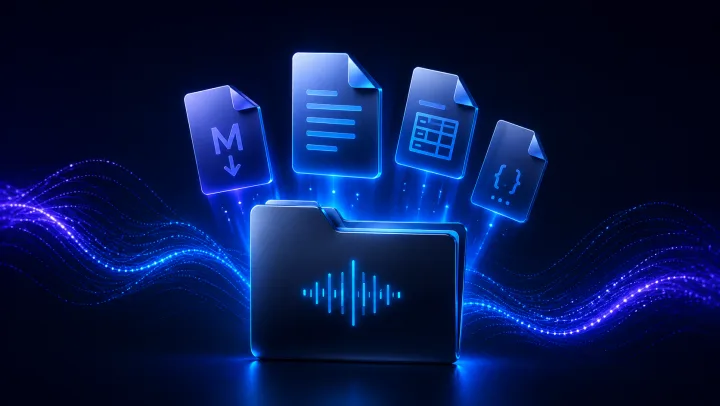
Export structured context to Markdown, documents, AI tools or local agent workflows.
Choose your workspace
Use the appearance that suits your environment without changing how your sessions, review states or exports work.
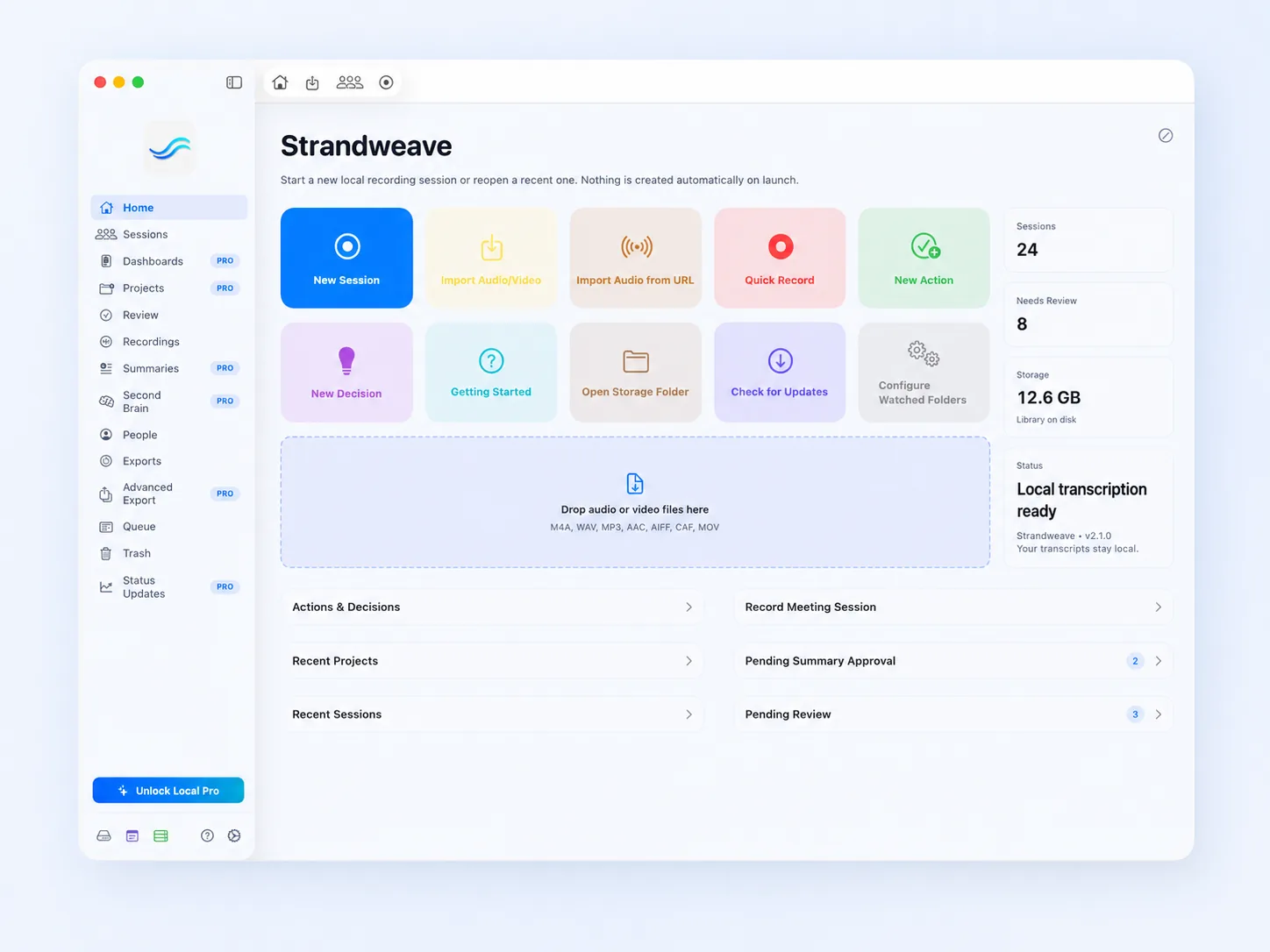
A bright workspace with strong contrast for daytime use.
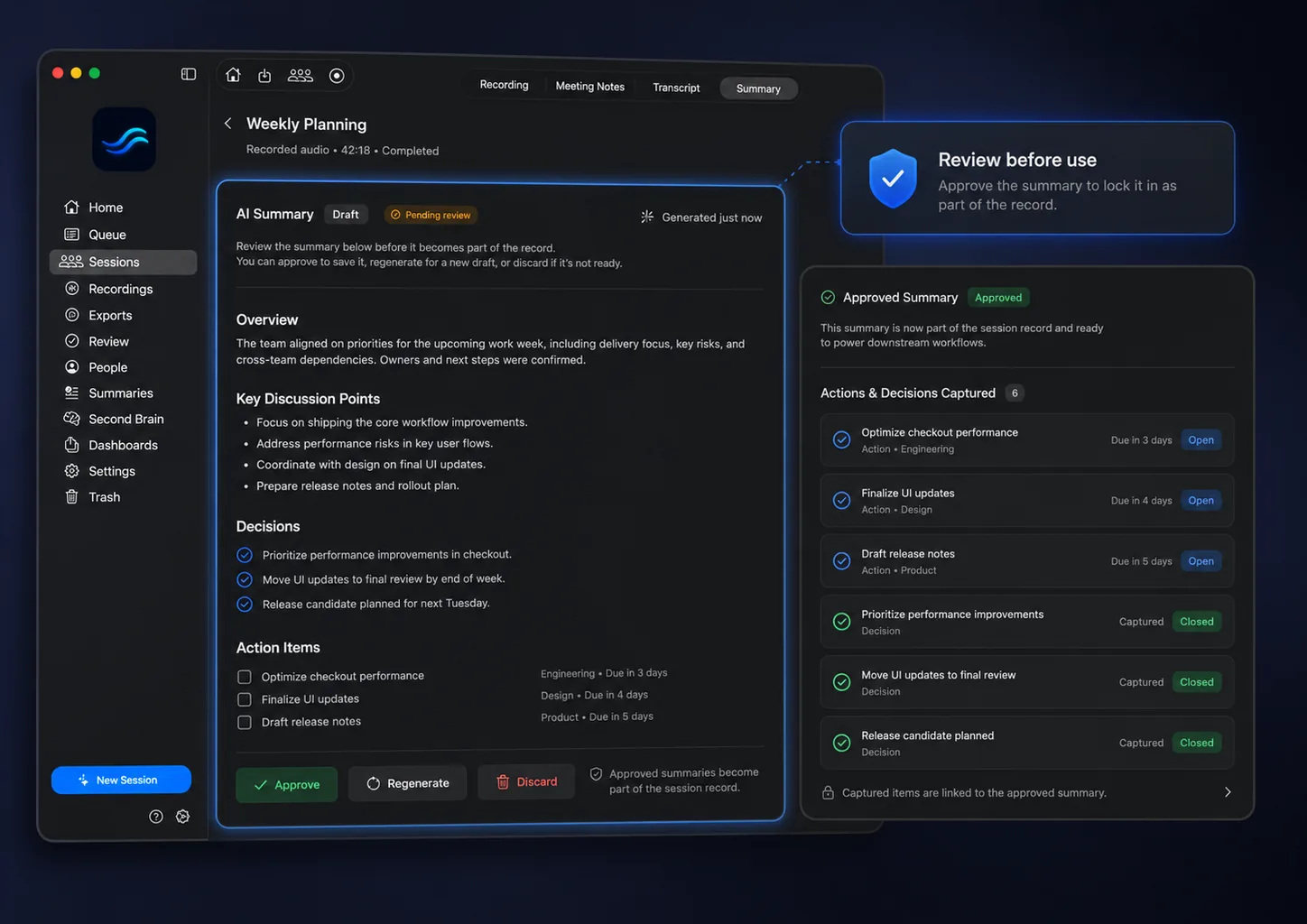
A neutral graphite workspace that keeps the content in focus.
The signature navy workspace with clear blue status accents.
Strandweave is built for sensitive client calls, research interviews, coaching sessions, founder updates and operator workflows where a cloud meeting bot is the wrong tool.
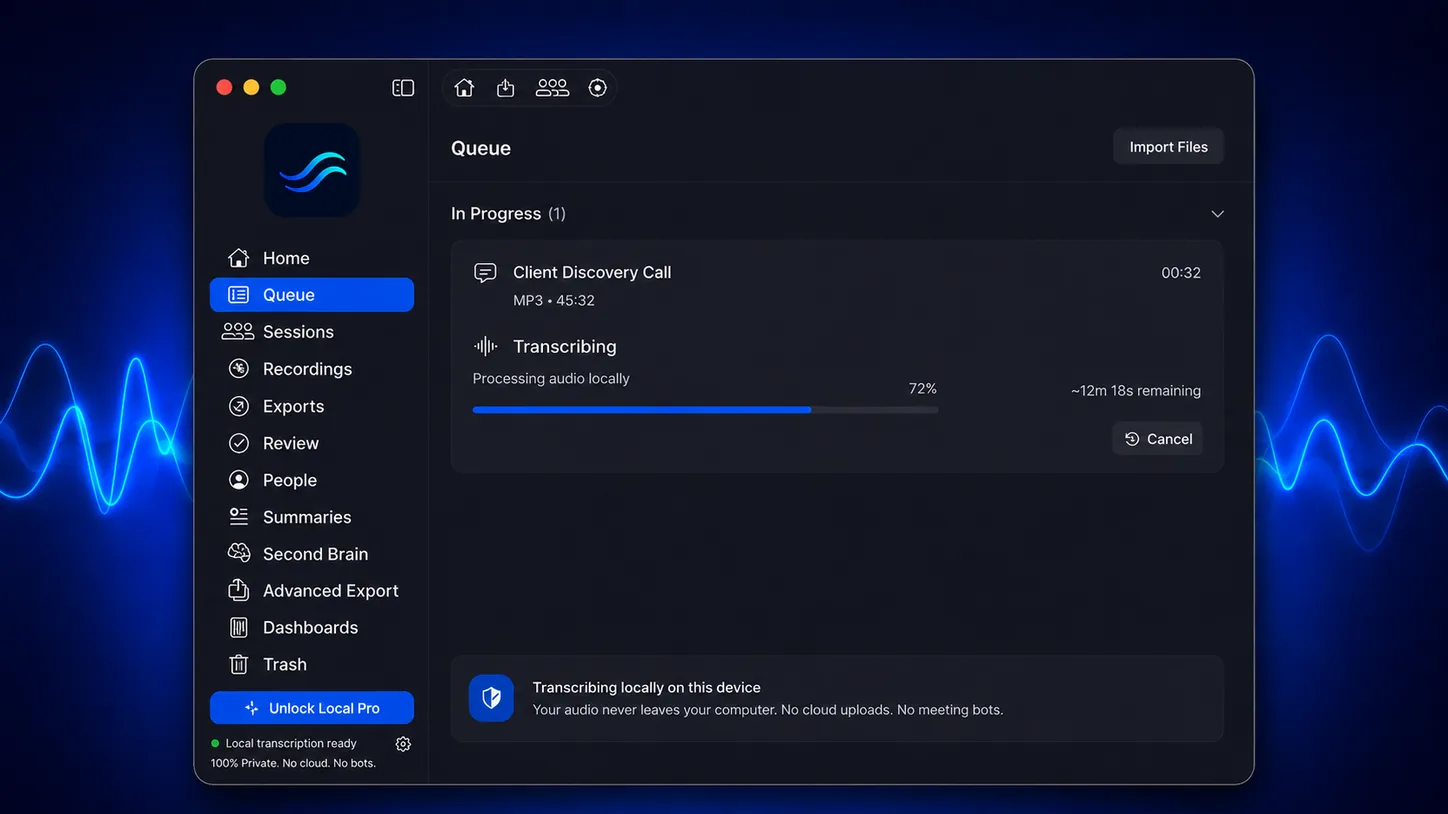
Free includes unlimited local recording, audio or video import, offline transcription, transcript editing, notes, highlights, exact search and core exports. It is a complete local recording workflow, not a time-limited demo.
Local Pro adds advanced workflows: speaker separation, batch automation, reviewable AI summaries, actions and decisions, projects, dashboards, Obsidian, AI Context Packs, semantic search and governed local agent access.
Yes, by default. Recording, transcription and storage are local. Optional cloud AI uses a provider you configure and only when you choose to use it; audio is not sent to that provider for transcription.
Yes. Strandweave records from the audio input you choose; it never joins the participant list. Use your Mac’s microphone for speakerphone or in-room calls, or optionally route system audio through BlackHole for a cleaner direct capture of a call playing on your Mac.
Yes. You can correct transcript text and speakers, add notes and highlights, then edit summaries, actions and decisions before approving them as reusable project context.
It means a meeting becomes reusable project memory: an approved transcript and summary, actions, decisions, AI Context Packs, Obsidian notes, semantic search and local-agent-ready context.
Yes. Local Pro supports Claude and OpenAI with your own API key, or a local OpenAI-compatible provider such as Ollama. You decide when to use AI and what approved context to send.
Join for beta releases, v1 launch news, new features and occasional Strandweave product updates. No spam. Unsubscribe any time.
Public beta and v1 release notes.
New features and practical product updates.